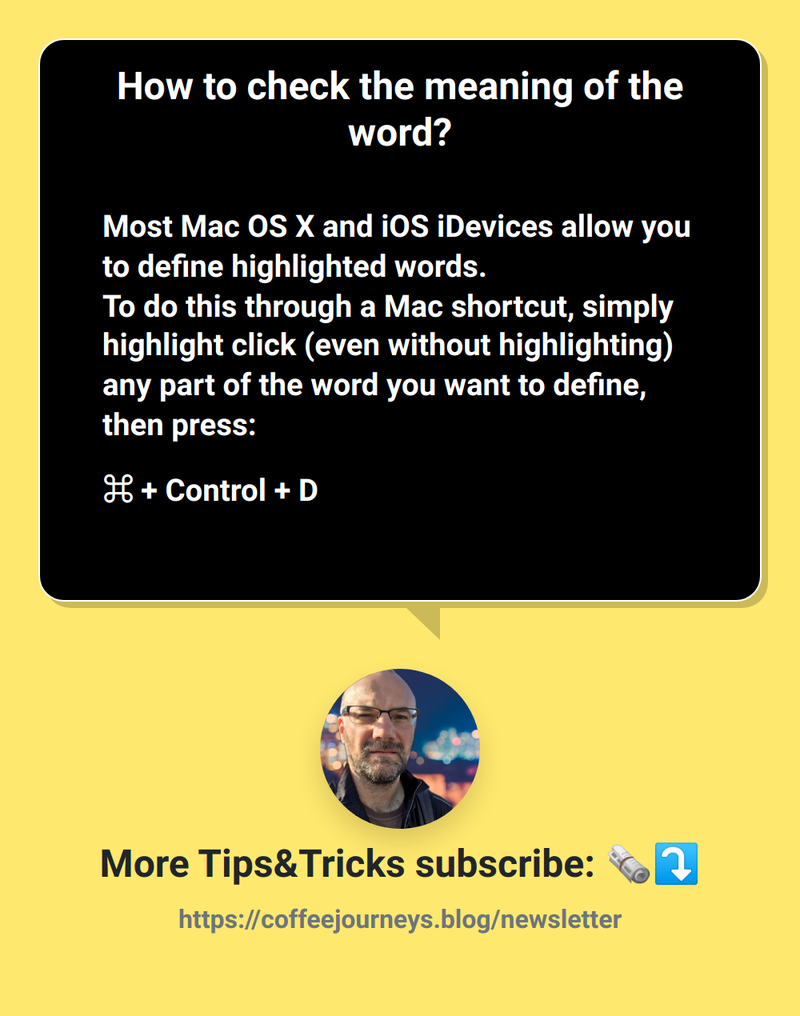

Most Mac OS X and iOS iDevices allow you to define highlighted words.
To do this through a Mac shortcut, simply highlight click (even without highlighting) any part of the word you want to define, then press:
⌘ + Control + D
Google Docs “Define” feature:
⌘ + Shift + Y